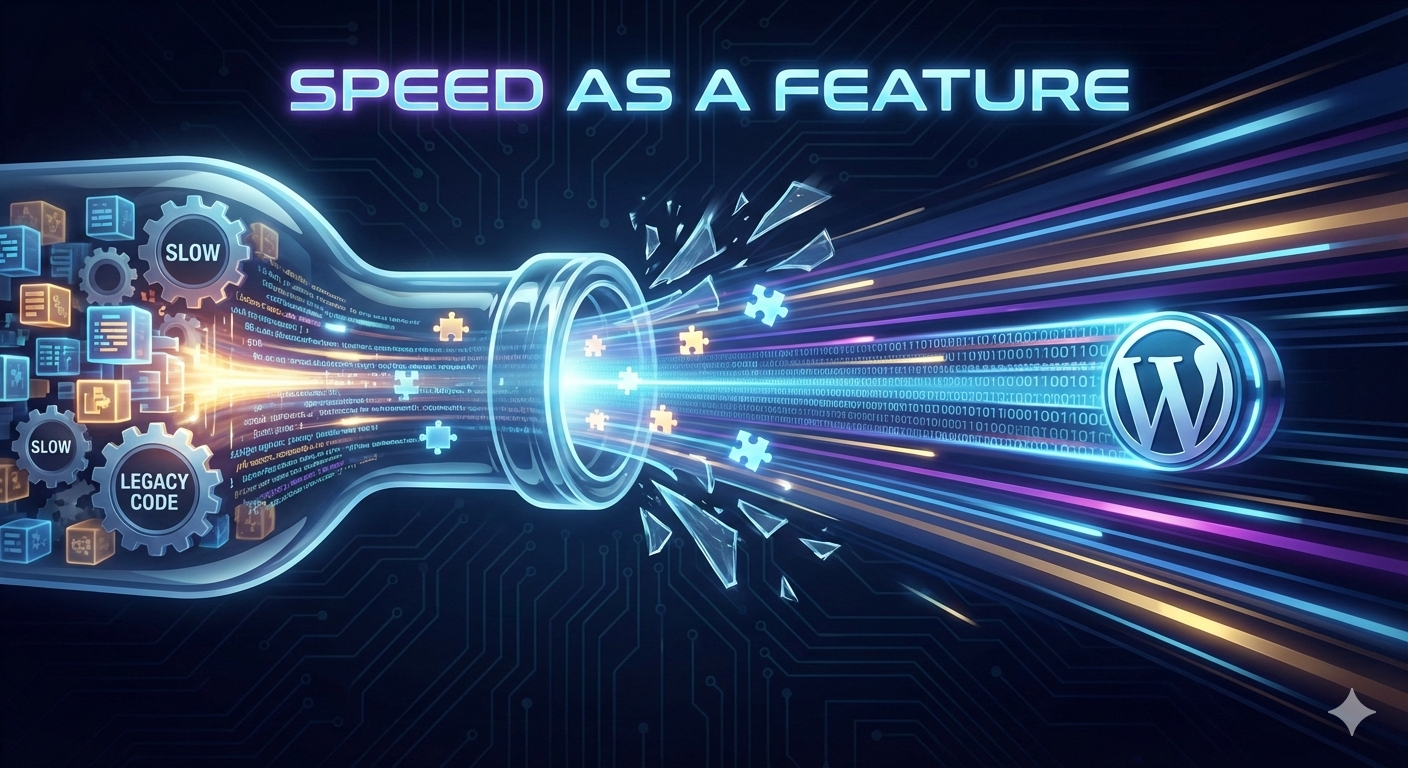
In the competitive landscape of the modern web, performance isn't just a technical metric—it is a core business feature. A study by Google shows that as page load time goes from 1 second to 3 seconds, the probability of a bounce increases by 32%.
For WordPress developers, this means the plugins we build must be invisible to the site's load time while being indispensable to its functionality. At WavyPoint, we believe that a feature-rich plugin shouldn't be a heavy one.
Here is how we eliminate performance bottlenecks and how you can apply these principles to your own development workflow.
1. Stop the "Autoload" Madness
The most common performance killer in WordPress is a bloated wp_options table. When you use add_option(), the third parameter (autoload) defaults to yes.
If your plugin saves 50 different settings and they all autoload, they are pulled from the database on every single page load, even if your plugin isn't active on that page.
The Fix:
Group your settings: Store related settings in a single array. This reduces 50 database rows to 1.
Selective Autoloading: Set the autoload parameter to no for settings that are only needed in the admin dashboard.
Cleanup: Always use a register_uninstall_hook to delete your options when the user deletes the plugin.
2. Asset Enqueueing with Precision
Loading a 200KB JavaScript library or a heavy CSS file on the homepage when your plugin only functions on the /contact page is a cardinal sin of development.
The WavyPoint Strategy:
We use conditional logic to ensure assets only load when necessary. For example:

Pro Tip: Always use minified versions of your assets and consider using a build tool like Vite or Webpack to tree-shake unused code.
3. The Power of Transients (Object Caching)
If your plugin fetches data from an external API or performs complex calculations, you shouldn't be doing that on every page refresh.
The WordPress Transient API allows you to store the results of these expensive operations in the database (or in-memory via Redis/Memcached) for a set period.
Performance Formula:
In a theoretical sense, the time saved by caching can be viewed as:
Tsaved=(Trequest×N)−Tcache
Where Trequest is the time of the original operation, N is the number of visitors, and Tcache is the negligible time to pull from the object cache. By using transients, you effectively turn a variable O(n) operation into a near-constant O(1) for your users.
4. Database Query Optimization
Poorly written SQL queries can bring even the most powerful servers to their knees. Avoid SELECT * whenever possible. If you only need a list of ID numbers, only fetch the ID column.
Avoid Subqueries: They are often slower than a well-structured JOIN.
Use Indexes: Ensure that the columns you are filtering by (in the WHERE clause) are indexed.
Lazy Loading: If your plugin displays a list of 1,000 items, use pagination or "load more" functionality to avoid a massive initial query.
5. Modern PHP for Modern Speed
If your plugin is still optimized for PHP 7.4, you are leaving speed on the table. PHP 8.x introduced JIT (Just-In-Time) compilation, which significantly improves how the engine handles complex code.
At WavyPoint, we leverage:
Typed Properties: Reduces overhead and catches bugs early.
Constructor Property Promotion: Cleaner, faster-to-parse code.
OpCache: Ensuring our plugins are structured to take full advantage of PHP's opcode caching.
Conclusion: Build Faster, Rank Higher
Performance isn't an afterthought; it’s the foundation. By respecting the user's database, being stingy with assets, and utilizing intelligent caching, we create tools that empower websites rather than slowing them down.